Building your simulation
LLM Models
Different scenarios need different models — a fast, cheap model for simple roleplay, a stronger one for nuanced feedback.
Add one or more models to a simulation. Sessions, council agents, and feedback can each use the simulation's default model, or you can point specific parts at a different one.
1
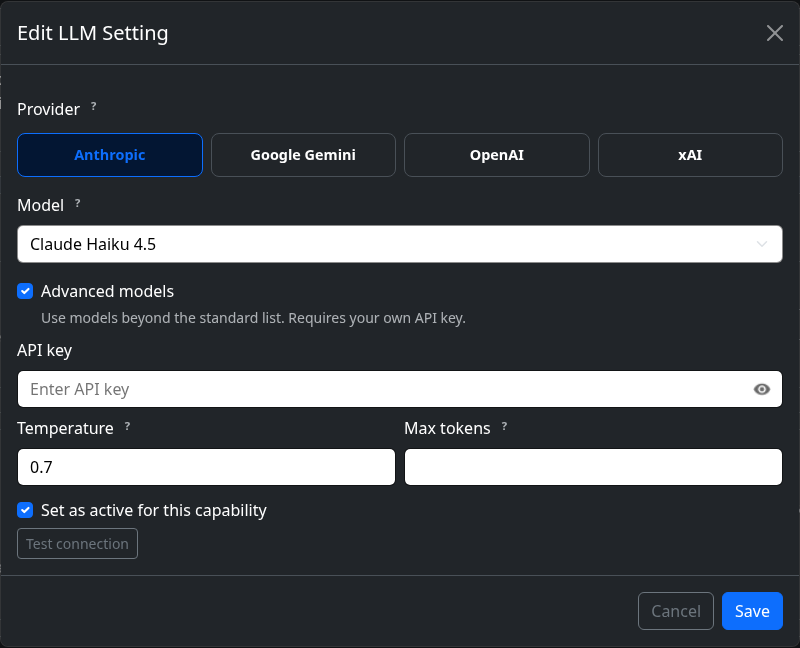
Configure a model
Pick a provider and model, and set it active — it then becomes available to select anywhere in this simulation.

2
Tune its behaviour
Adjust temperature, max tokens, and the system prompt — this is where you shape tone and style for that model.