Tutorials
Learn Prisma, one piece at a time
Short, focused walkthroughs for each tool — what it's for and how to use it, with real screenshots.
Building your simulation
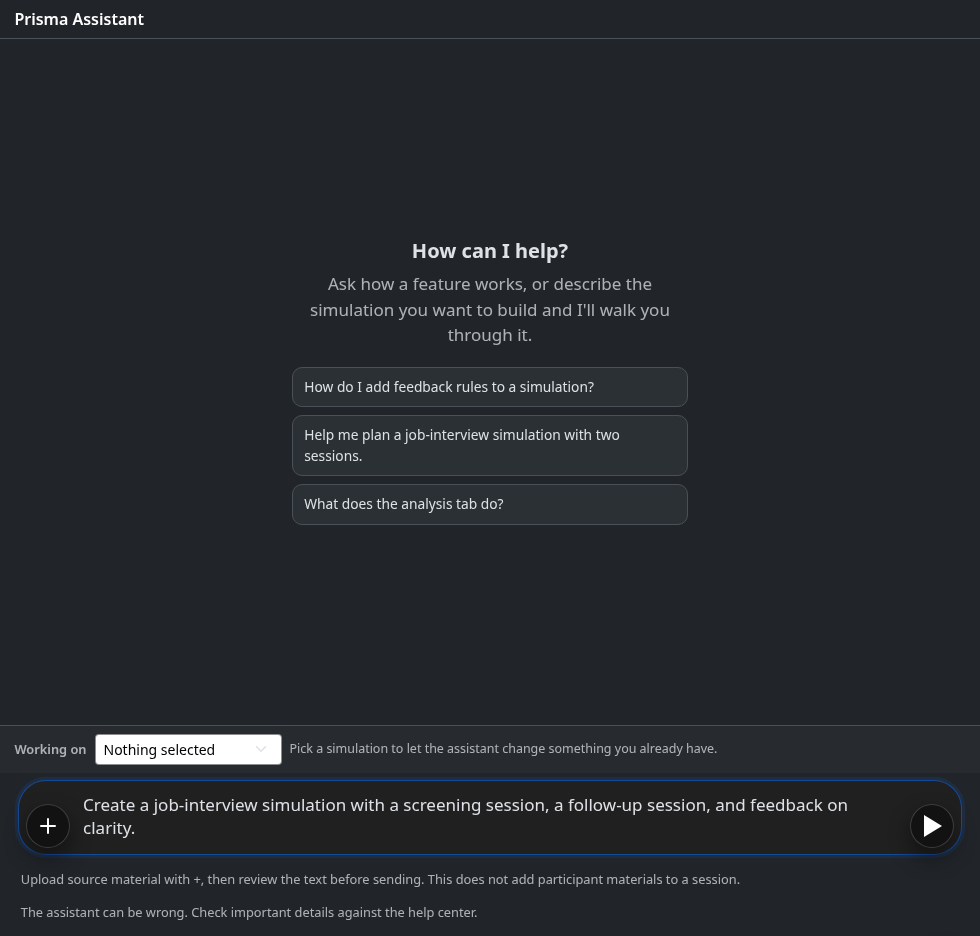
The Assistant
Describe your scenario, review the assistant's proposal, and approve what it builds or edits.
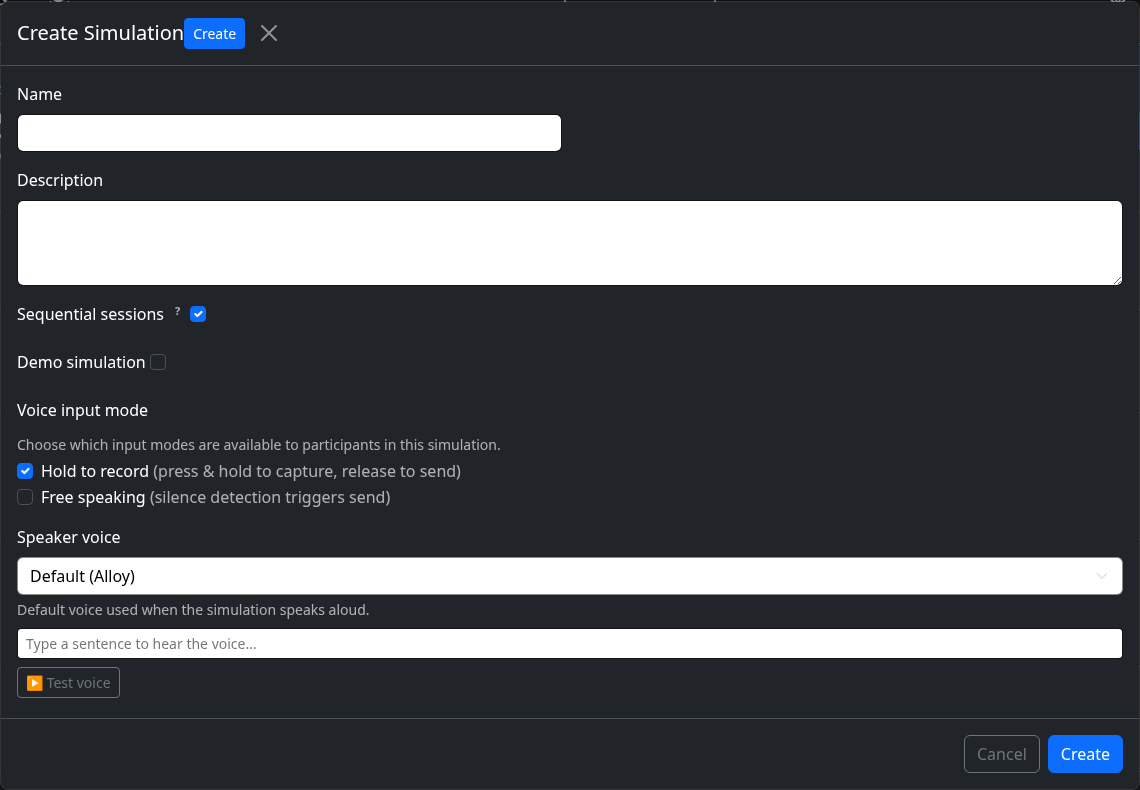
Simulation Basics
Name your simulation, write the scenario, and set the tone for the AI.
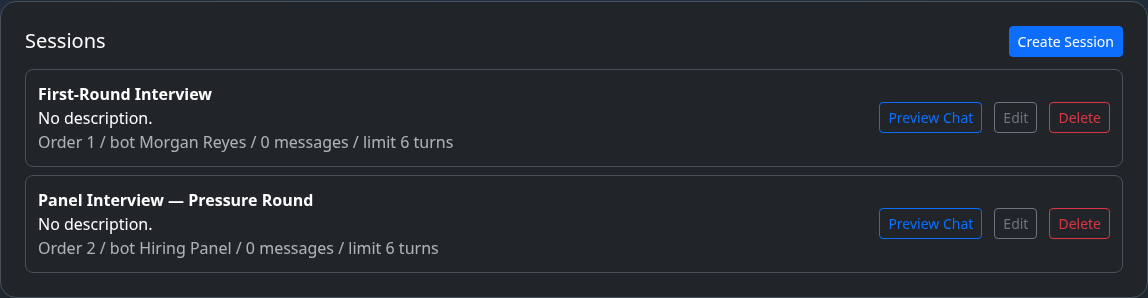
Sessions
Break a simulation into ordered parts, each with its own bot and opening line.
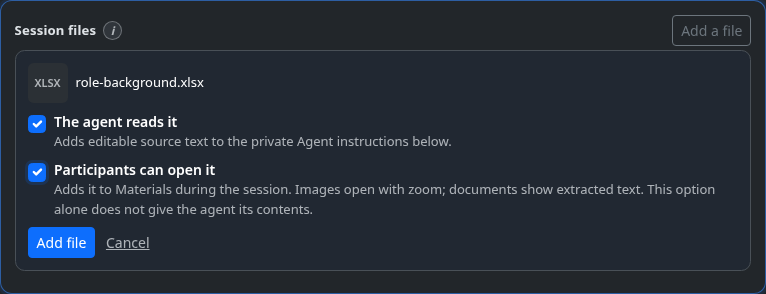
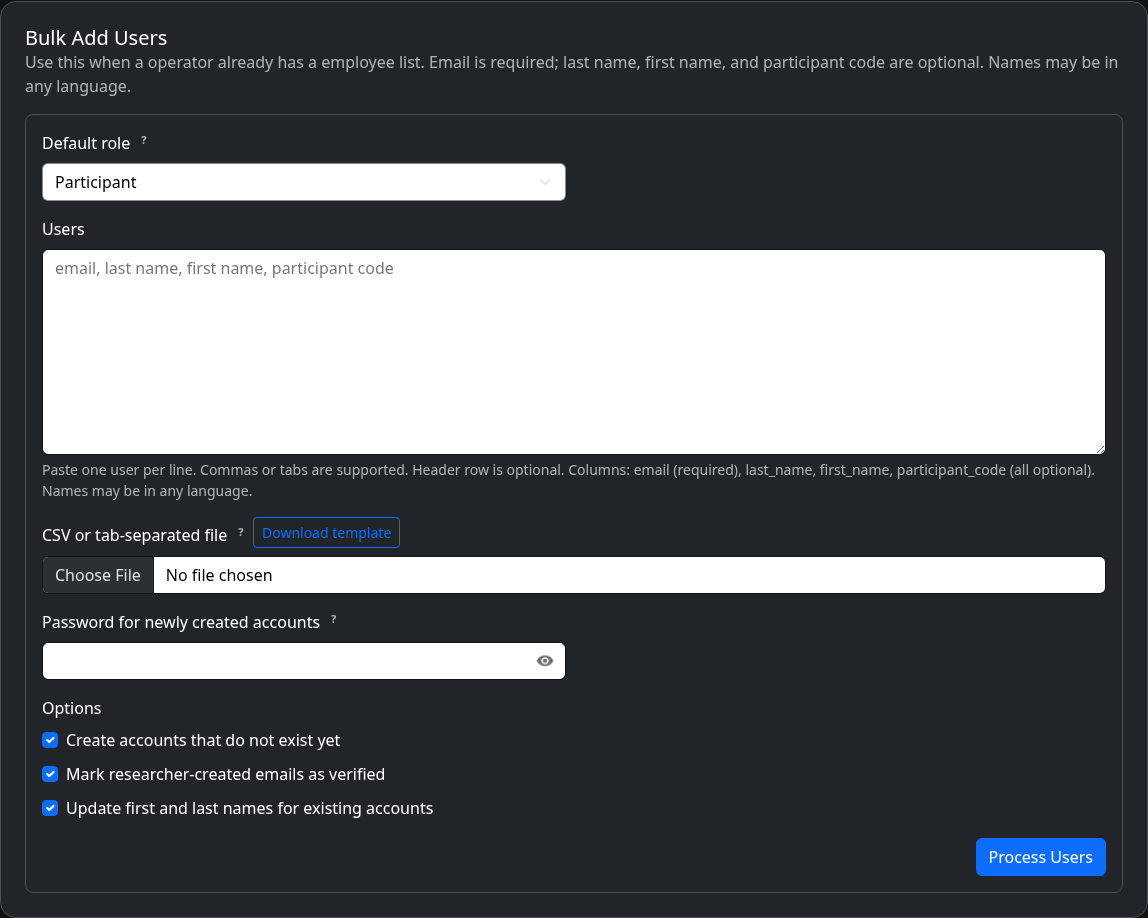
Files & Attachments
Upload once, then choose whether the agent reads the file, participants can open it, or both.
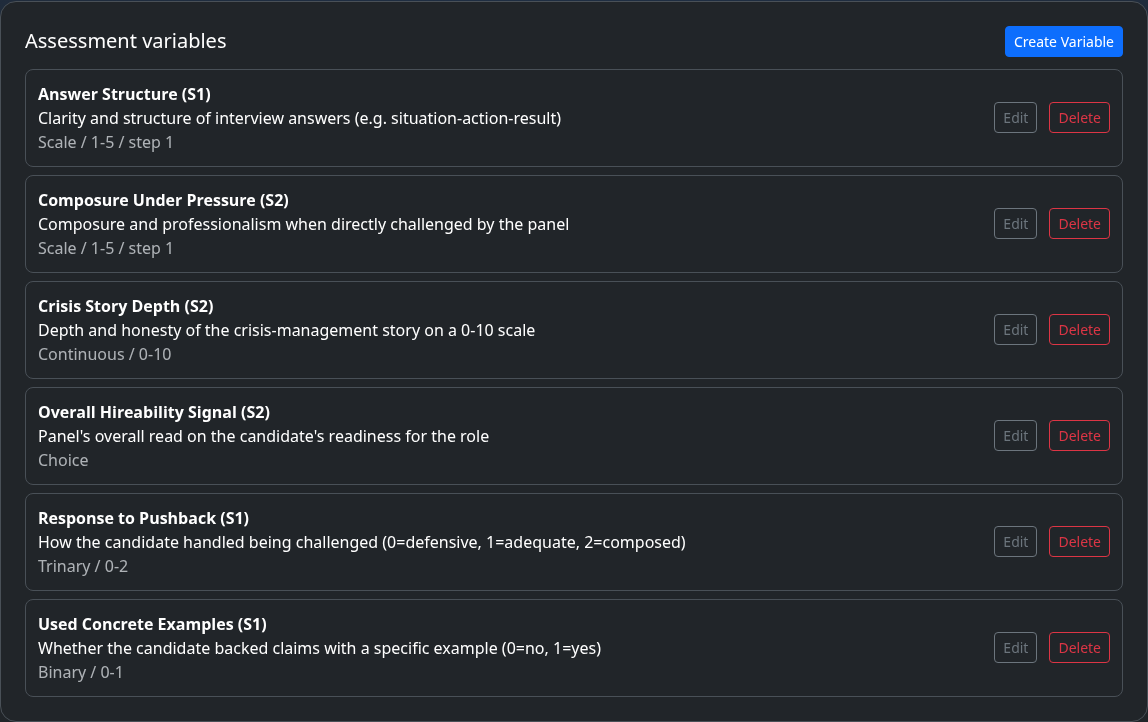
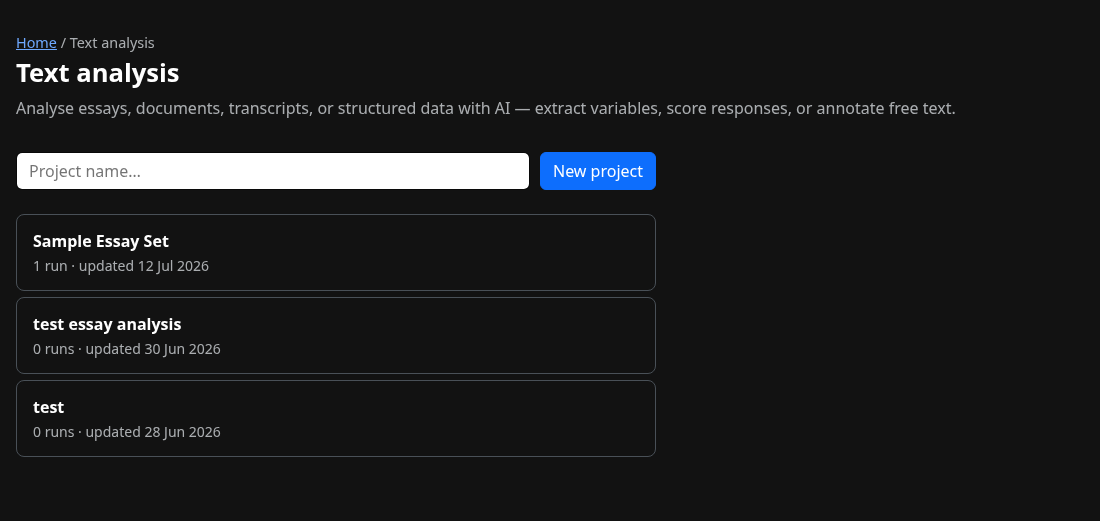
Variables
Define the dimensions you want every conversation scored on.
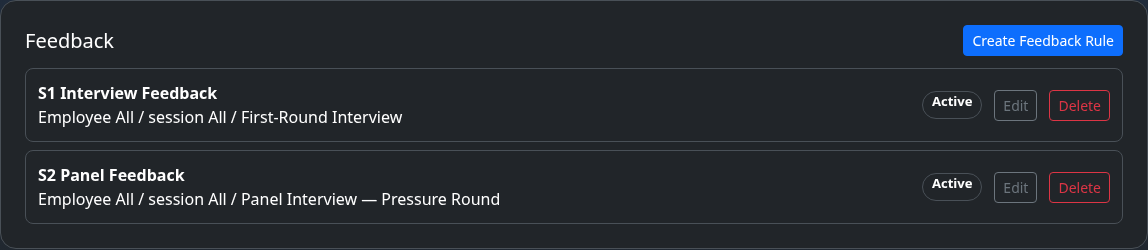
Feedback Rules
Send participants automated, AI-written feedback after a session.

LLM Models
Choose which AI model powers each part of your simulation.
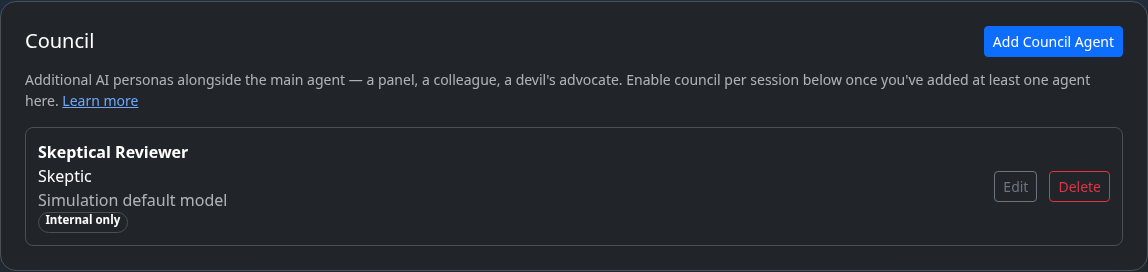
Council
Add more than one AI persona to a single conversation.
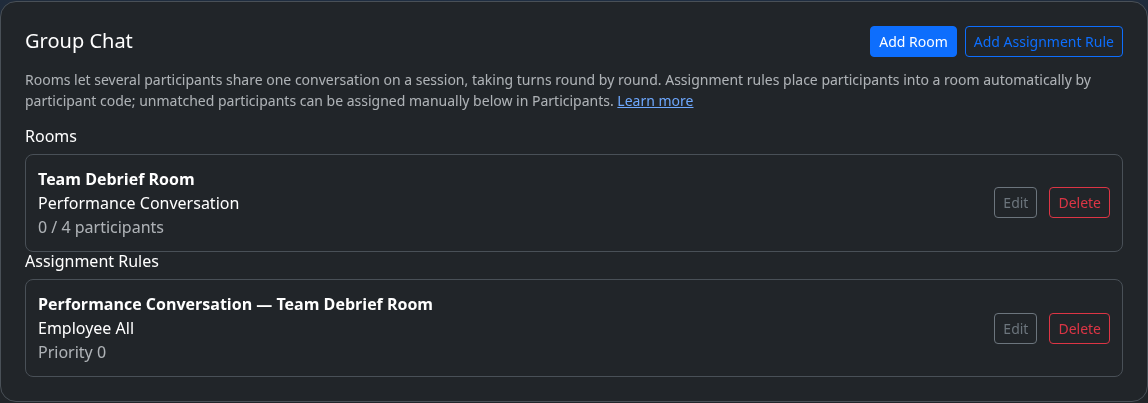
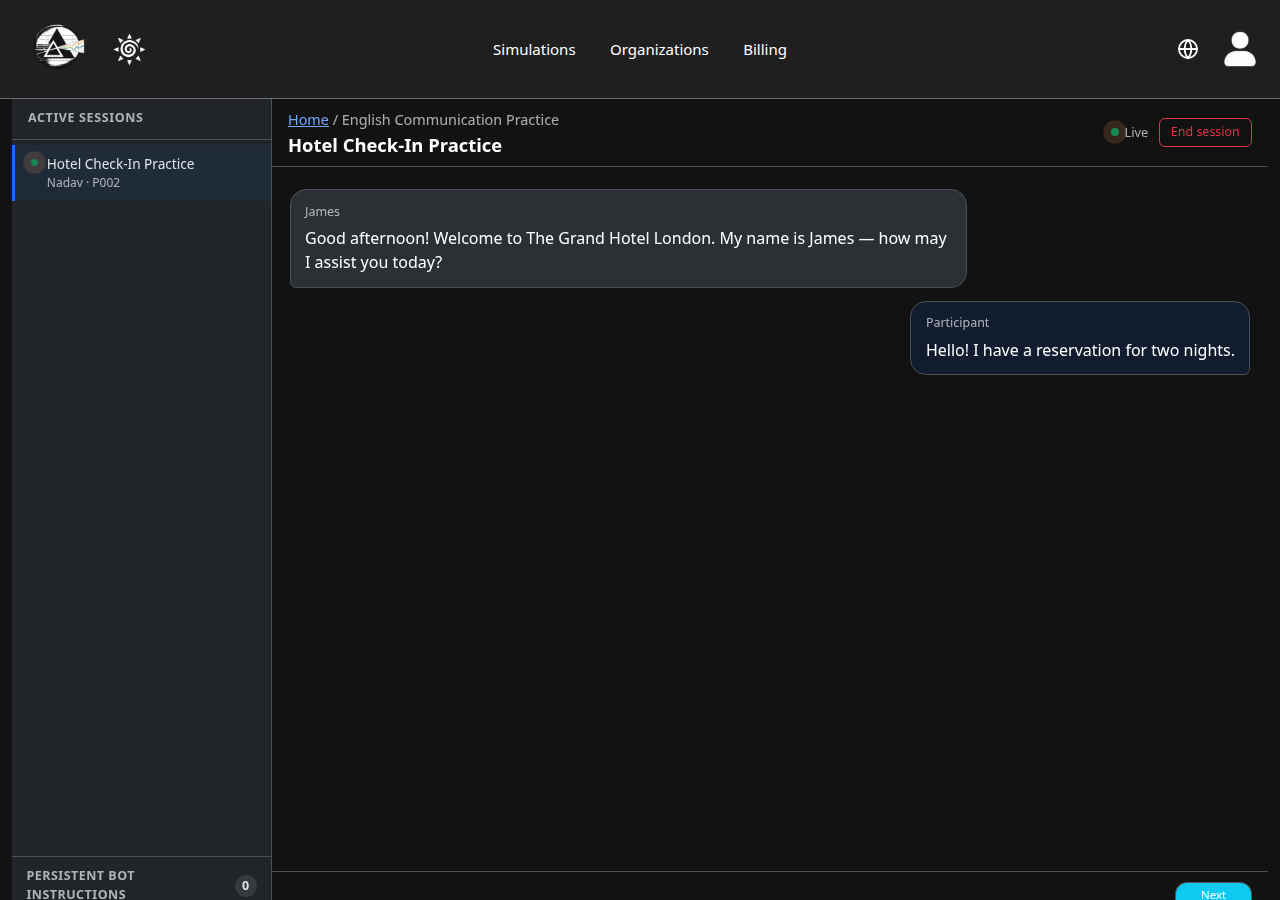
Group Chat & Rooms
Let several participants share one conversation, taking turns.