Features
Everything Prisma Can Do
One platform for building, running, watching, and scoring AI conversation simulations. A closer look at each piece, with real screenshots.
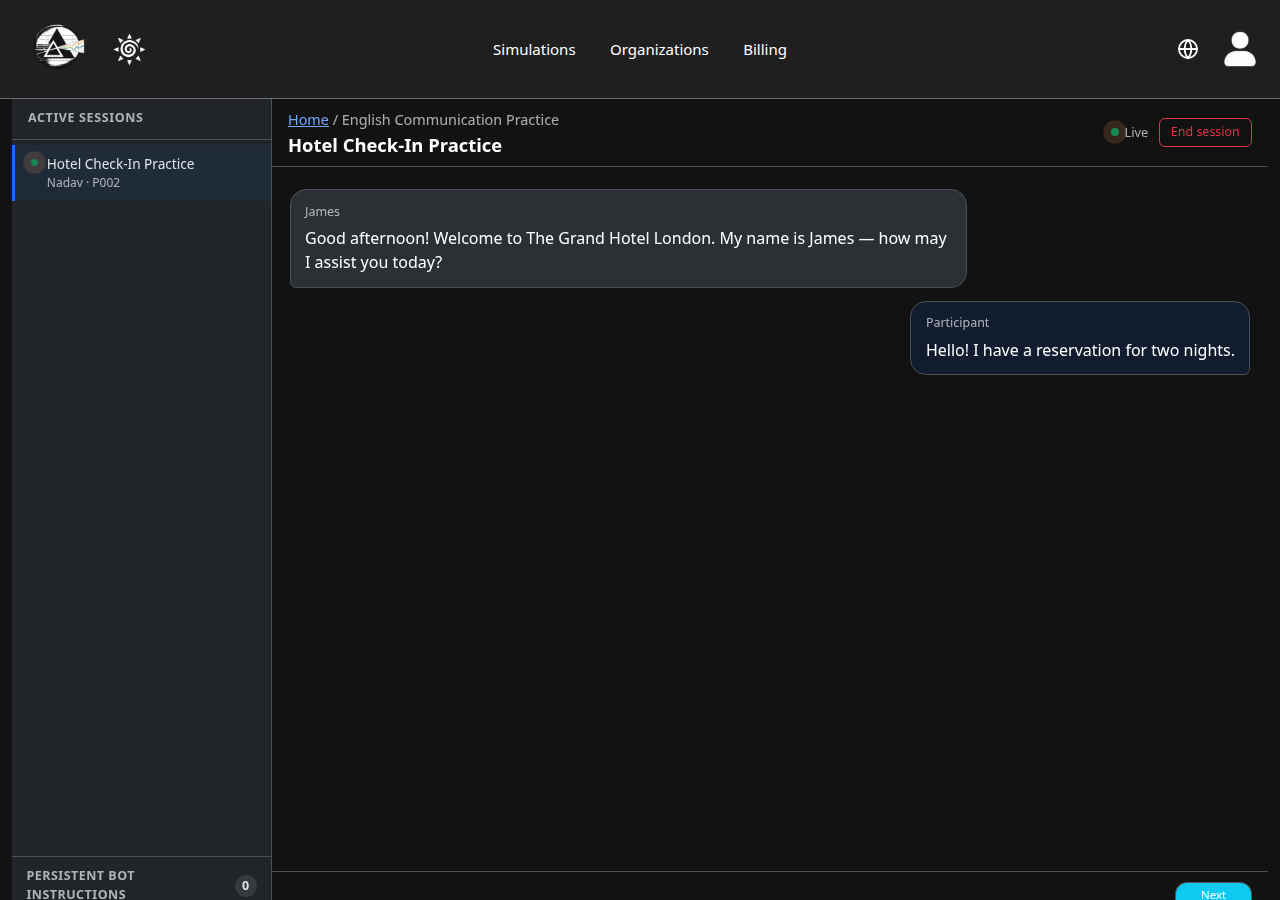
Live Observation
Watch It Happen, Live
Every session streams in as it happens. Step in with a silent instruction the participant never sees, or send a message under your own name — without ever pausing the conversation.
See it in the tutorial →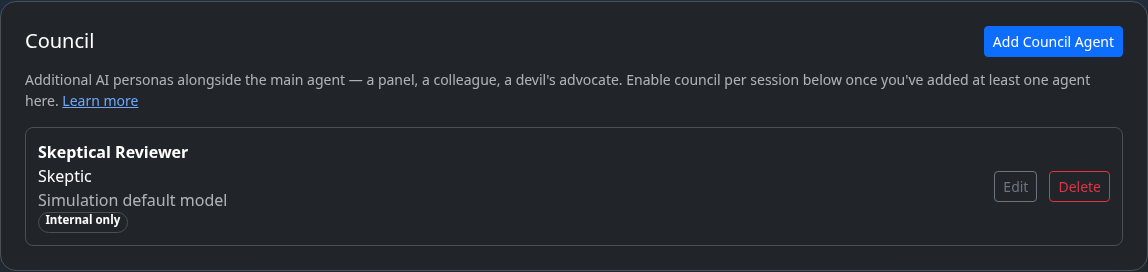
Council
More Than One AI in the Room
Add a second, third, or fourth AI persona to a single conversation — a review panel, a skeptical colleague, a family at dinner. Each keeps its own instructions and voice in the same thread.
See it in the tutorial →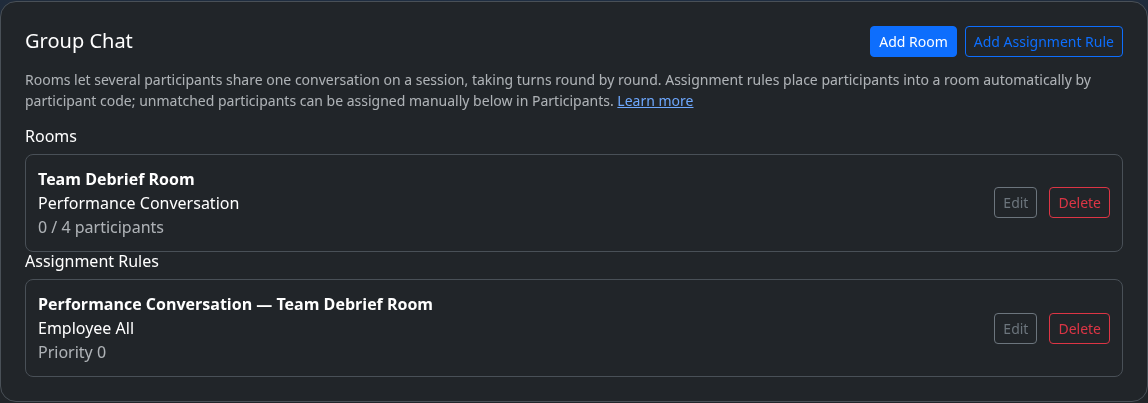
Group Rooms
One Conversation, Several Participants
Let a whole class or team share a single conversation, taking turns in one room instead of running everyone separately — built for negotiations, group interviews, and team exercises.
See it in the tutorial →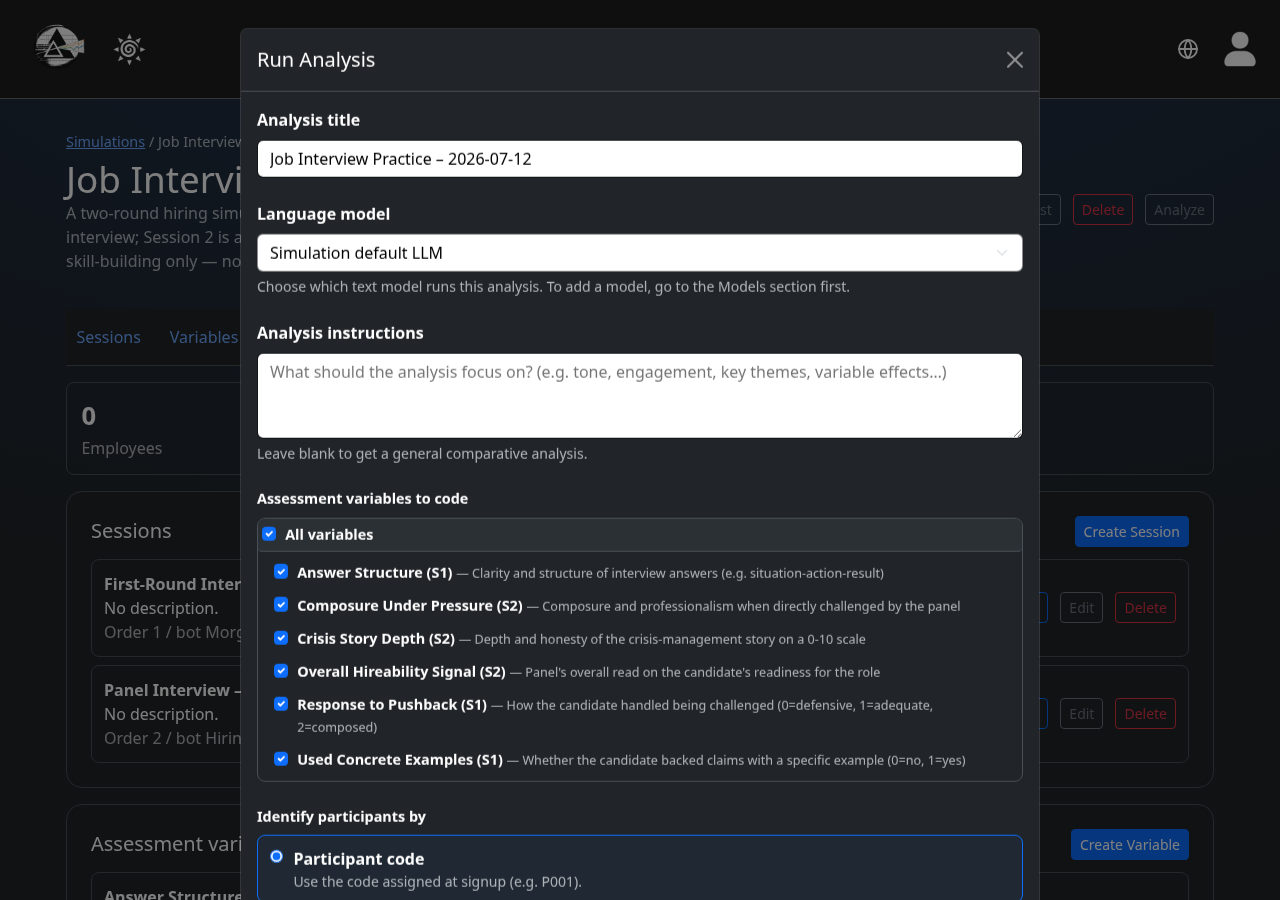
Variables & Analysis
Score Every Conversation on Your Terms
Define exactly what you want measured — tone, accuracy, empathy, anything your scenario calls for — then let AI code every conversation against it and export one clean CSV row per turn.
See it in the tutorial →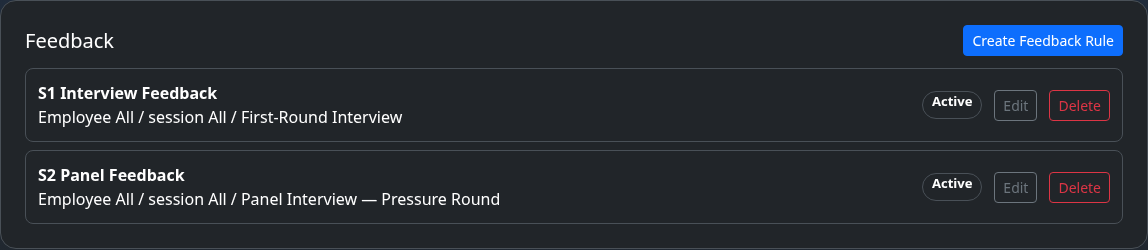
Automated Feedback
Feedback That Writes Itself
Set the rule once, and every participant gets personalized, AI-written feedback the moment their session ends — no manual grading, no delay.
See it in the tutorial →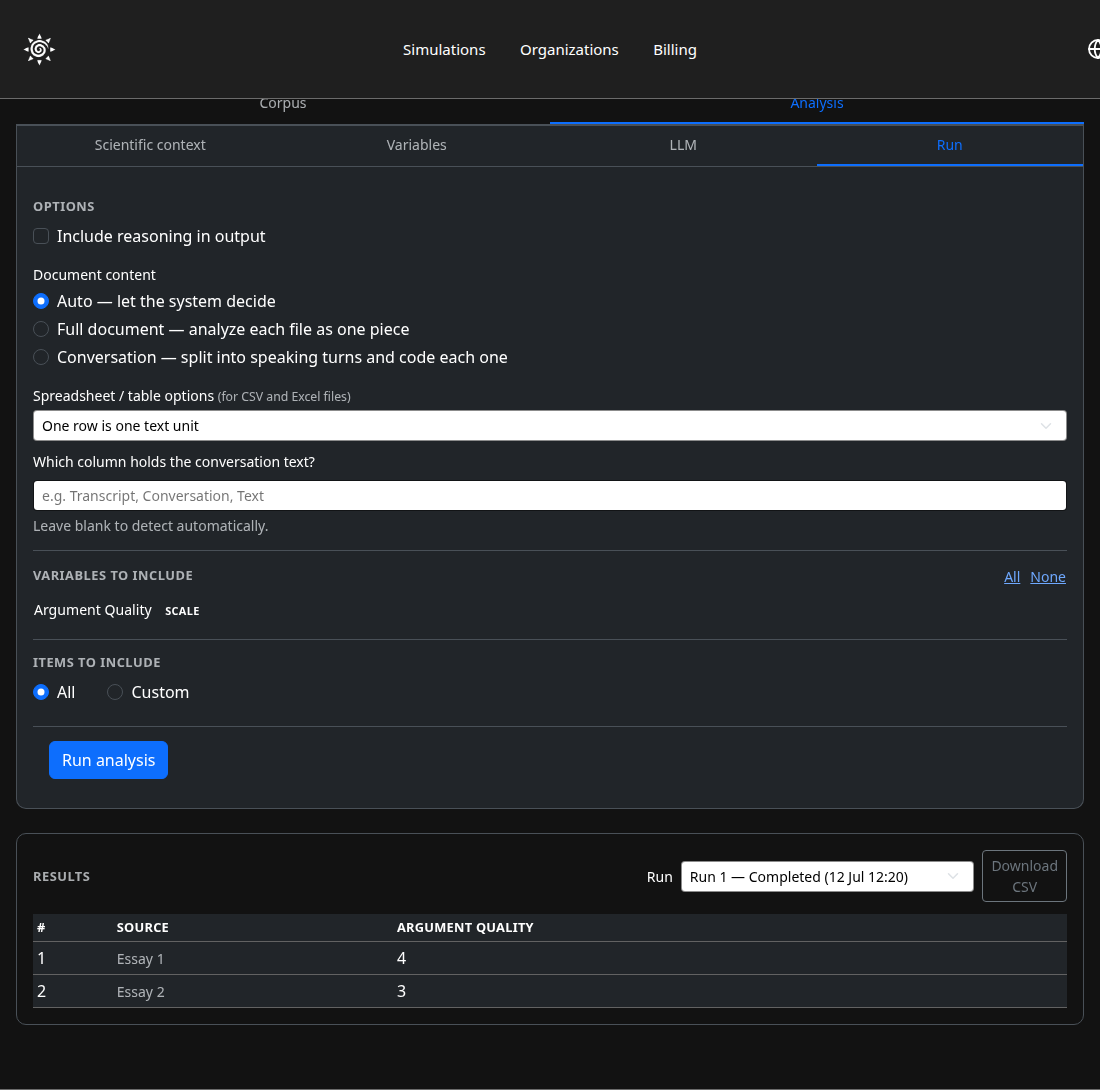
Text Analysis
Turn a Folder of Documents Into a Spreadsheet
Upload essays, transcripts, or documents you didn't even generate in Prisma, describe what to look for in plain language, and get every file scored on your own columns.
See it in the tutorial →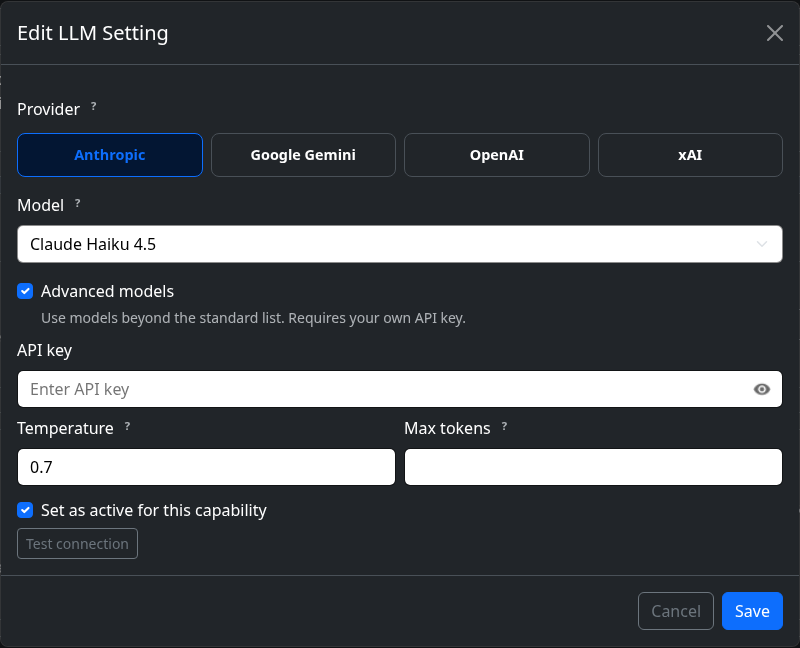
Model Selection
Your Choice of AI, Every Time
Pick the model behind every bot from Anthropic, Google, OpenAI, or xAI — mix providers within one simulation, or bring your own API key for models beyond the standard list.
See it in the tutorial →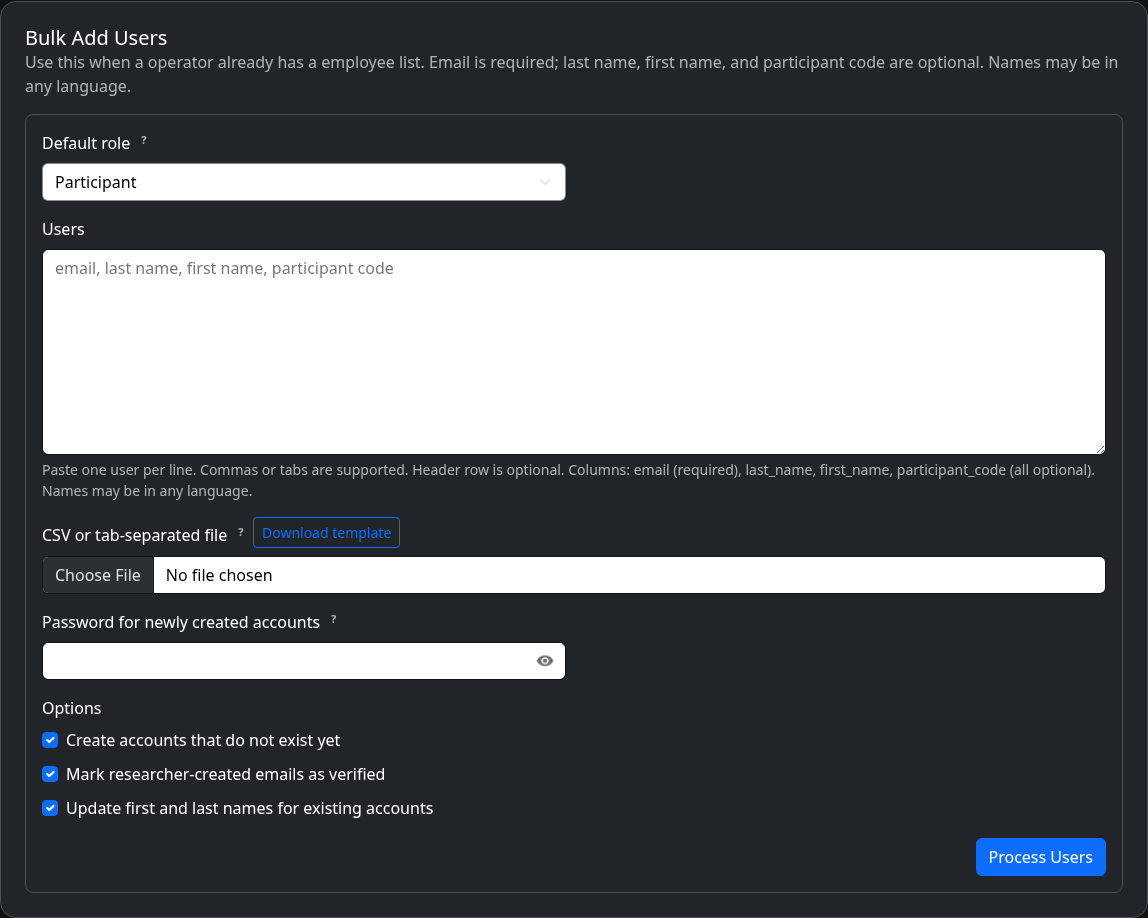
Participant Management
Bring Everyone in at Once
Add participants one by one, or paste in a whole class or panel from a spreadsheet — codes, accounts, and roles handled in a single step.
See it in the tutorial →Try Prisma for free
One simulation, no credit card, no setup. See for yourself before choosing a plan.