Analysis & CSV Export
Reading every conversation by hand doesn't scale — Analysis scores each one on your variables automatically, ready for research or grading.
Run an analysis over one session, all finished sessions, or everything at once. The AI scores each conversation against the variables you choose, then you export a CSV with one row per turn.
See what's been analysed
Every analysis you run is listed here with its scope, status, and who ran it — so you always know what's finished and what's still pending.

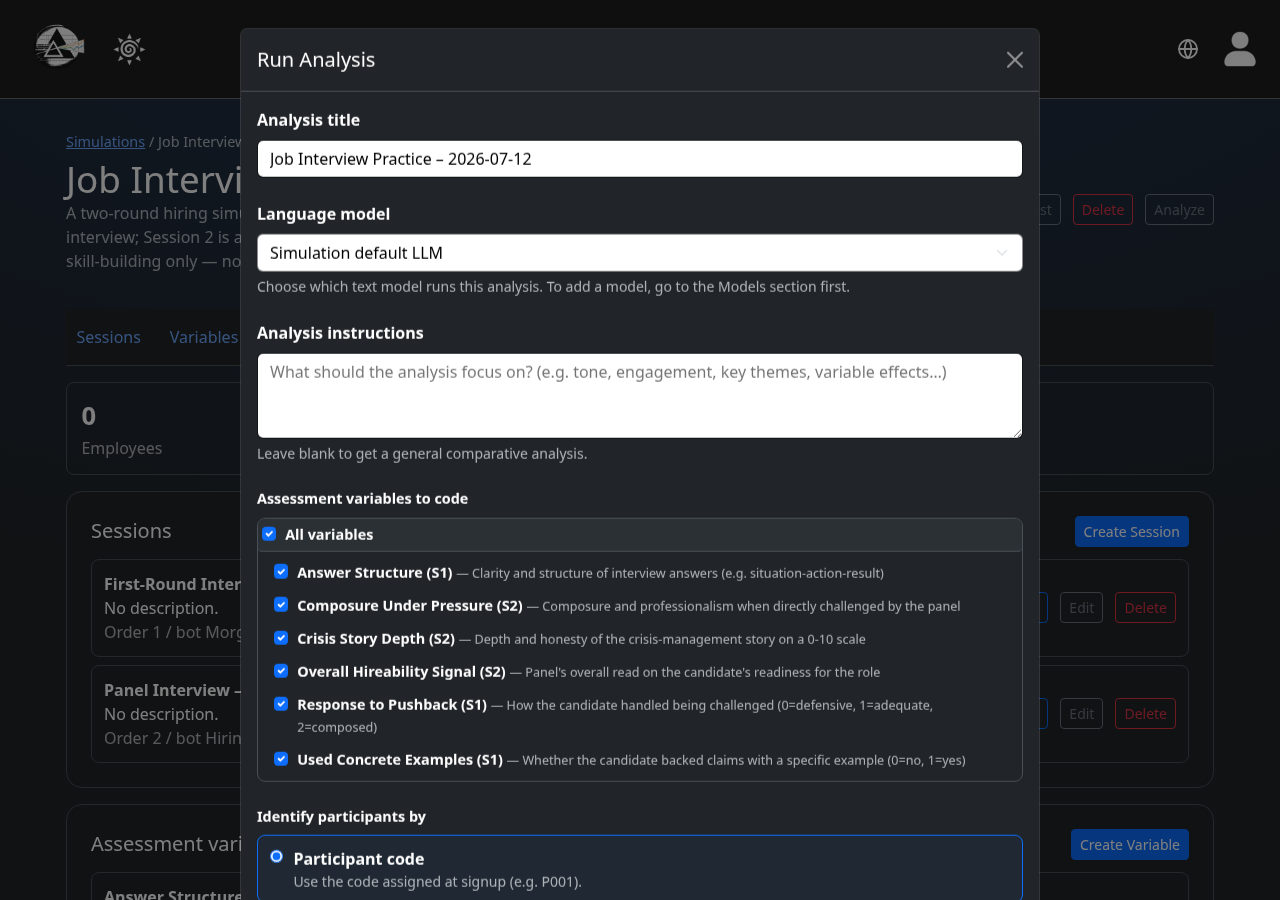
Choose what to analyse
Pick a scope — one session, all finished sessions, or every conversation — and select which variables to code for.
Or skip straight to raw transcripts
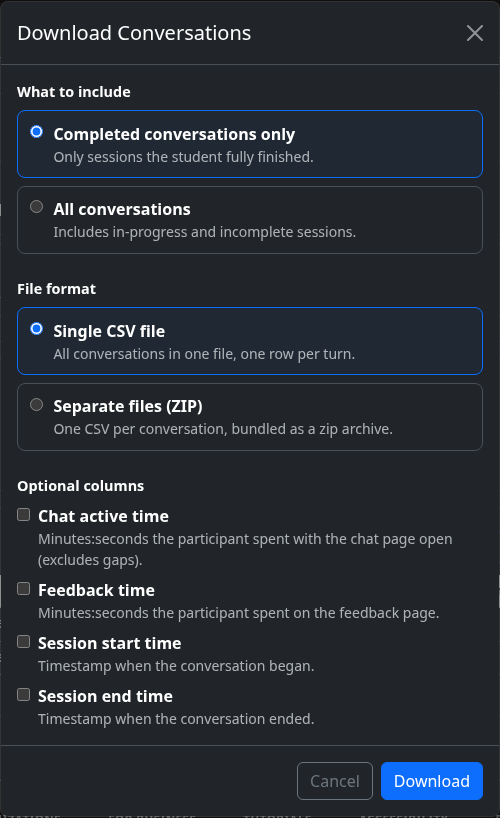
If you just want the conversations themselves — no AI scoring — download them directly from the participants list instead of running an analysis.
Export your data
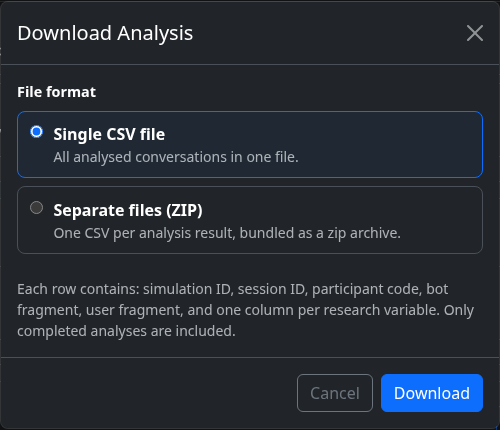
Download a single CSV, or a zip of per-analysis files — each row has the simulation, session, participant code, the exchanged text, and one column per variable.