Building your simulation
Simulation Basics
Every simulation starts the same way: a name, a scenario, and an audience — everything else builds on this.
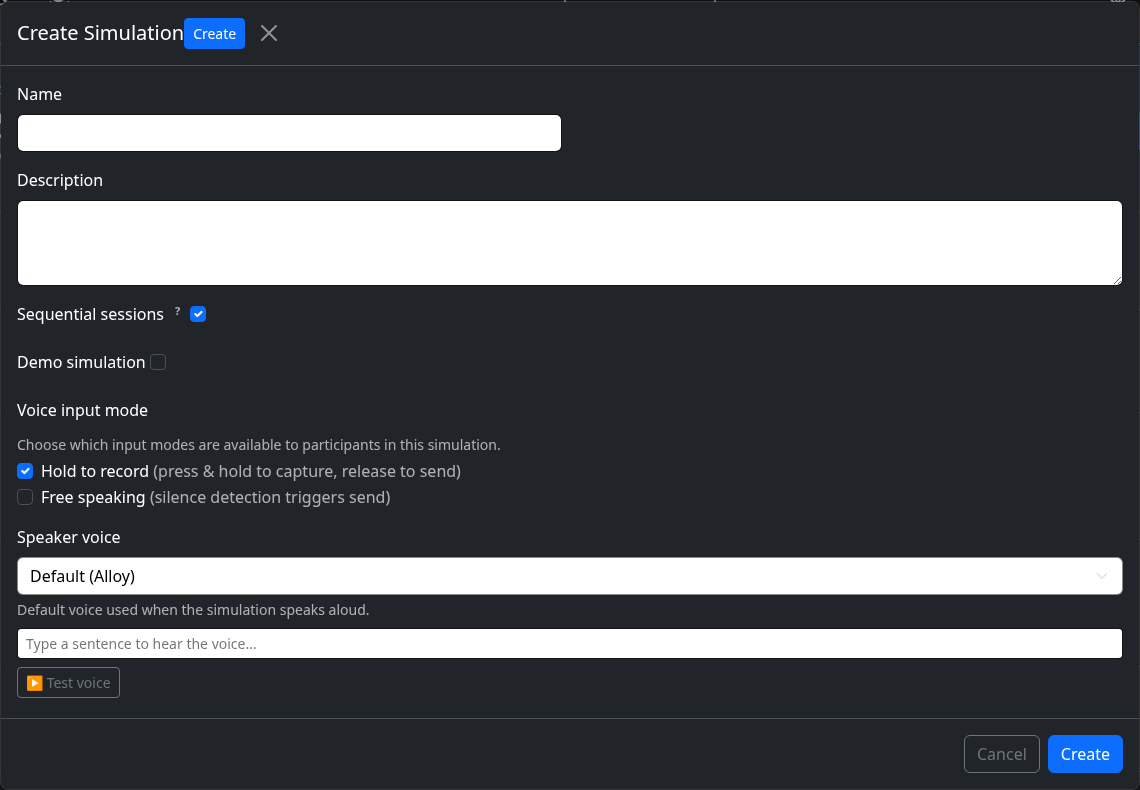
Create a simulation from your dashboard, give it a short description of the scenario, and choose which audience it's for (school, academic, or business) — this sets the vocabulary you'll see everywhere else, like students vs. participants.
1
Create the simulation
Give it a name and describe the scenario in plain language — this is what the AI will be instructed to play out.
2
Your simulation dashboard
This page is where you'll come back to configure everything else — sessions, variables, feedback, models, and participants.
