Building your simulation
Sessions
Most scenarios need more than one part — a first conversation, then a follow-up, a debrief, or a second round.
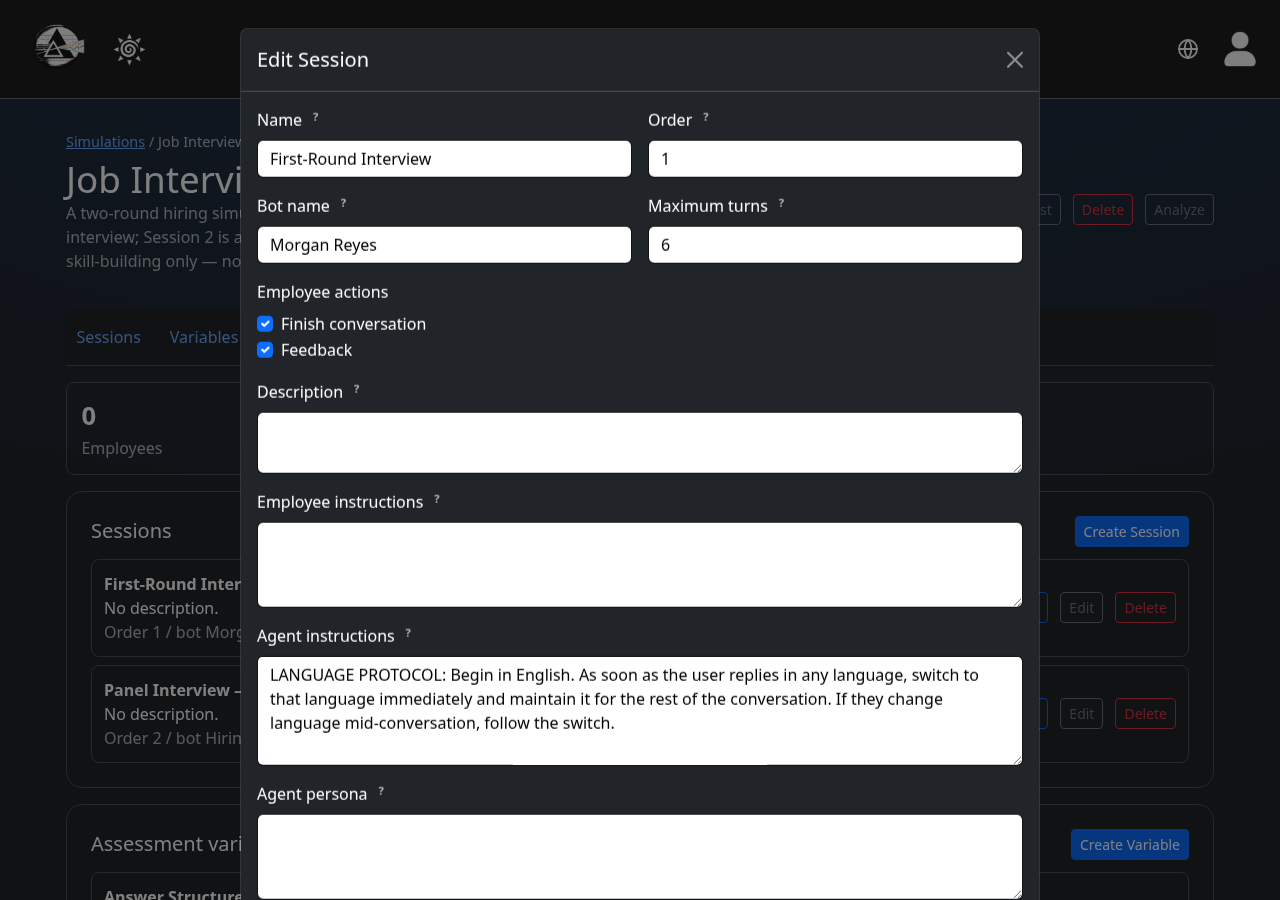
A session is one ordered part of the simulation — its own bot name, opening line, and instructions. Add as many as your scenario needs; participants move through them in order.
1
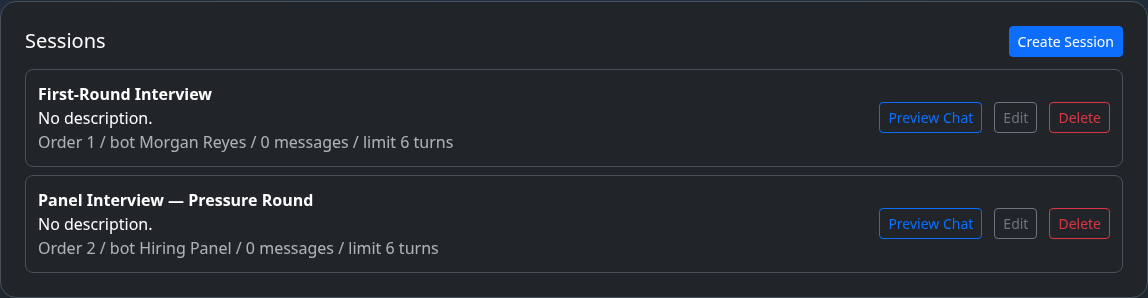
Your list of sessions
Each session shows its order, bot name, and how many messages participants have exchanged so far.
2
Set the opening and instructions
The opening message is what the bot says first; the instructions are private — they shape how the bot behaves but are never shown to the participant.